Users
The Manager console's Users page lists the people who can sign in to the provider site, with their roles, the site policies that let them reach managed accounts, and how they authenticate. It is the Users page of the Admin console, with site policies added. The users of a managed account are managed in that account's Tenant admin console instead.
Menu path: Manager console → Administration → Management → Users · URL path: /v2/manager/users
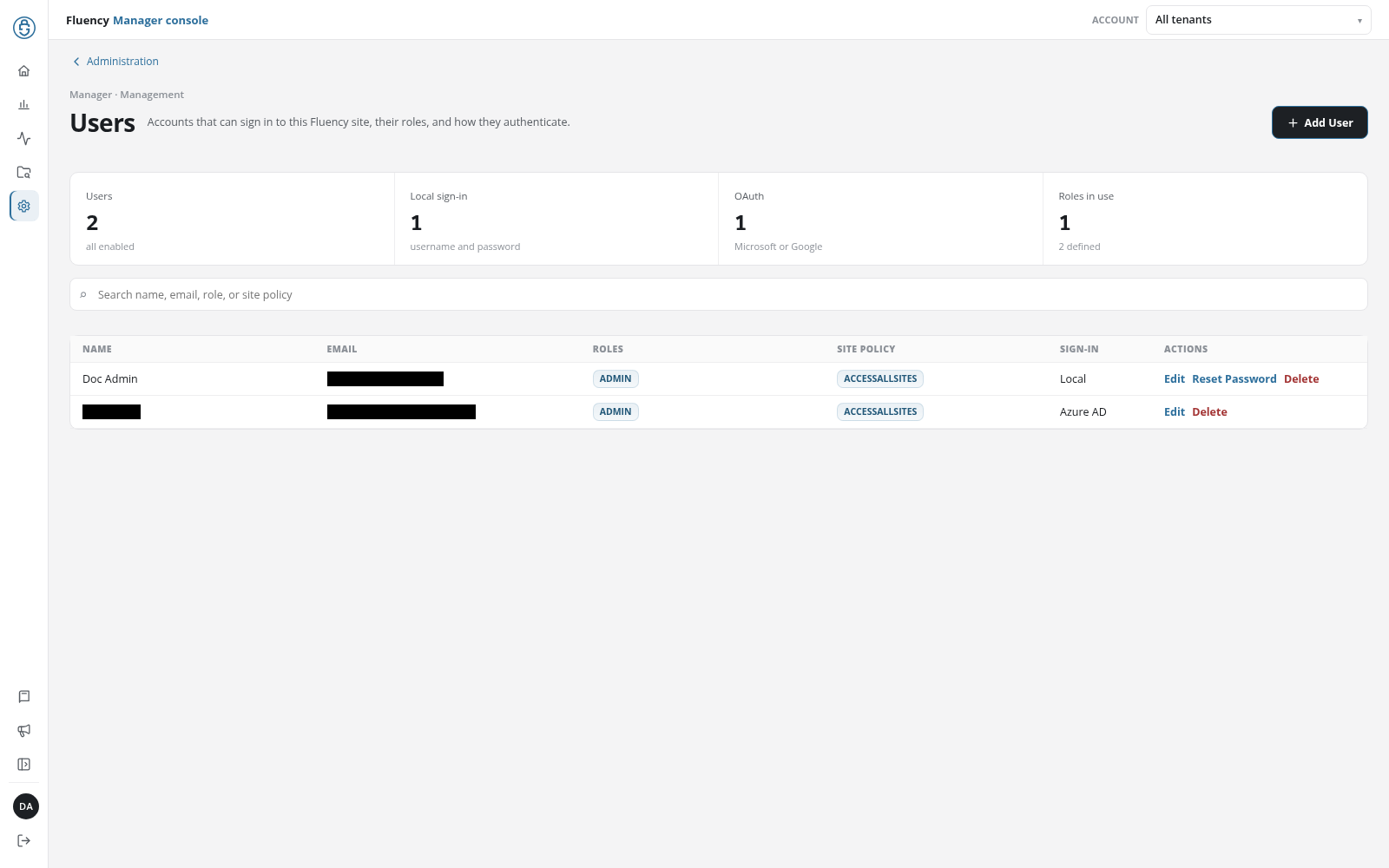
Page Layout
Above the header, the Administration link returns to Administration. The breadcrumb reads Manager · Management; the title, subtitle, Add User button, summary tiles, search field, and user table are those of the Admin console's Users page.
What Differs From the Admin Console Page
- Site Policy column: between Roles and Sign-In, a badge for each site policy that lists the user, for example ACCESSALLSITES.
- Search: the placeholder reads Search name, email, role, or site policy, and the field matches site policy names as well.
- Site Access in Add User: see Site Access.
Everything else, Update User, Reset Password, and Delete a User among it, works as on the Admin console page.
Site Access
The Add User dialog ends with a Site Access section, beneath User Authentication:
- Site Policy: a drop-down (Select a site policy) of None and the site policies defined on Site Policies.
- Allowed Sites: read-only; the accounts the chosen policy covers, All Accounts for a policy that covers every account, or a dash.
When the user is added, they are added to the chosen policy's Users too. If that second step fails, the band at the top of the page reads Added <username>, but failed to attach the site policy. followed by the reason; the user exists, without the policy.
The section is in Add User only. To move an existing user into or out of a policy, edit the policy on Site Policies.