Roles and Policies
The Manager console's Roles, API Policies, and Data Policies pages define what the provider site's own users and API tokens may do once signed in. They are the Admin console's Roles, API Policies, and Data Policies pages, working on the provider site; which managed accounts a user or token may reach is set separately, on Site Policies. A managed account's own roles and policies are managed in that account's Tenant admin console.
Menu path: Manager console → Administration → RBAC → Roles, API Policies, or Data Policies · URL path: /v2/manager/rbac/roles, /v2/manager/rbac/api-policies, /v2/manager/rbac/data-policies
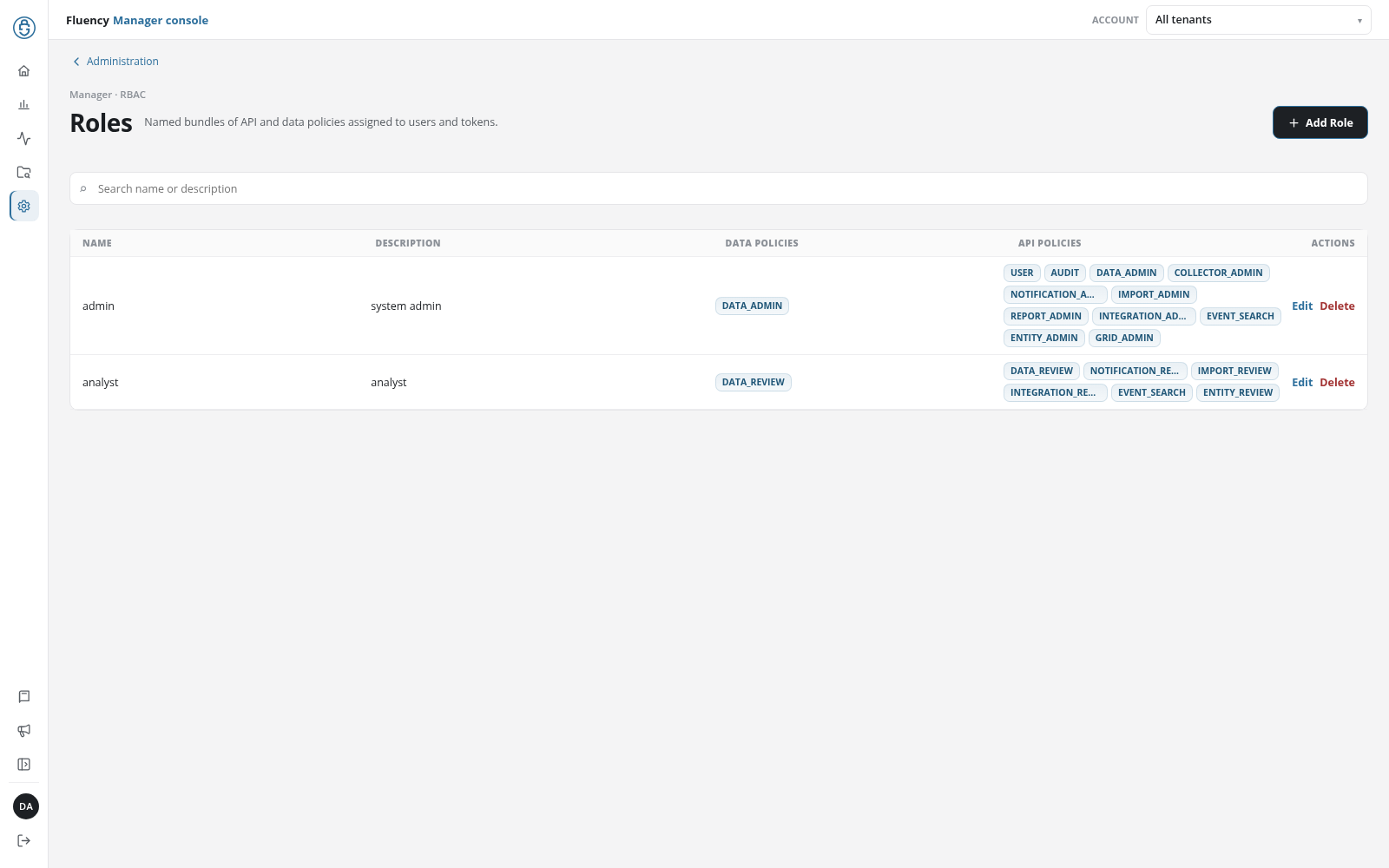
Page Layout
Each page shows the Administration link, which returns to Administration, above the breadcrumb Manager · RBAC. Below it, the title, subtitle, add button, search field (Search name or description), table, dialogs, notices, and delete confirmation are those of the Admin console page of the same name.
Roles
As on the Admin console's Roles: named bundles of API and data policies, assigned to the provider's users on Users and to its tokens on API Tokens.
API Policies
As on the Admin console's API Policies: which Fluency APIs a role or token may call, and with which privileges.
Data Policies
As on the Admin console's Data Policies: field include, exclude, and unmask rules that limit what a role can see in search results.