Overview Summary
The Manager console's Overview Summary is the workspace Overview Summary over every managed account at once: the same counters, severity breakdown, filter bar, and summary list, with each summary naming the account it comes from.
Menu path: Manager console → Overview Summary (also All cases on the console's Home) · URL path: /v2/manager/overview-summary
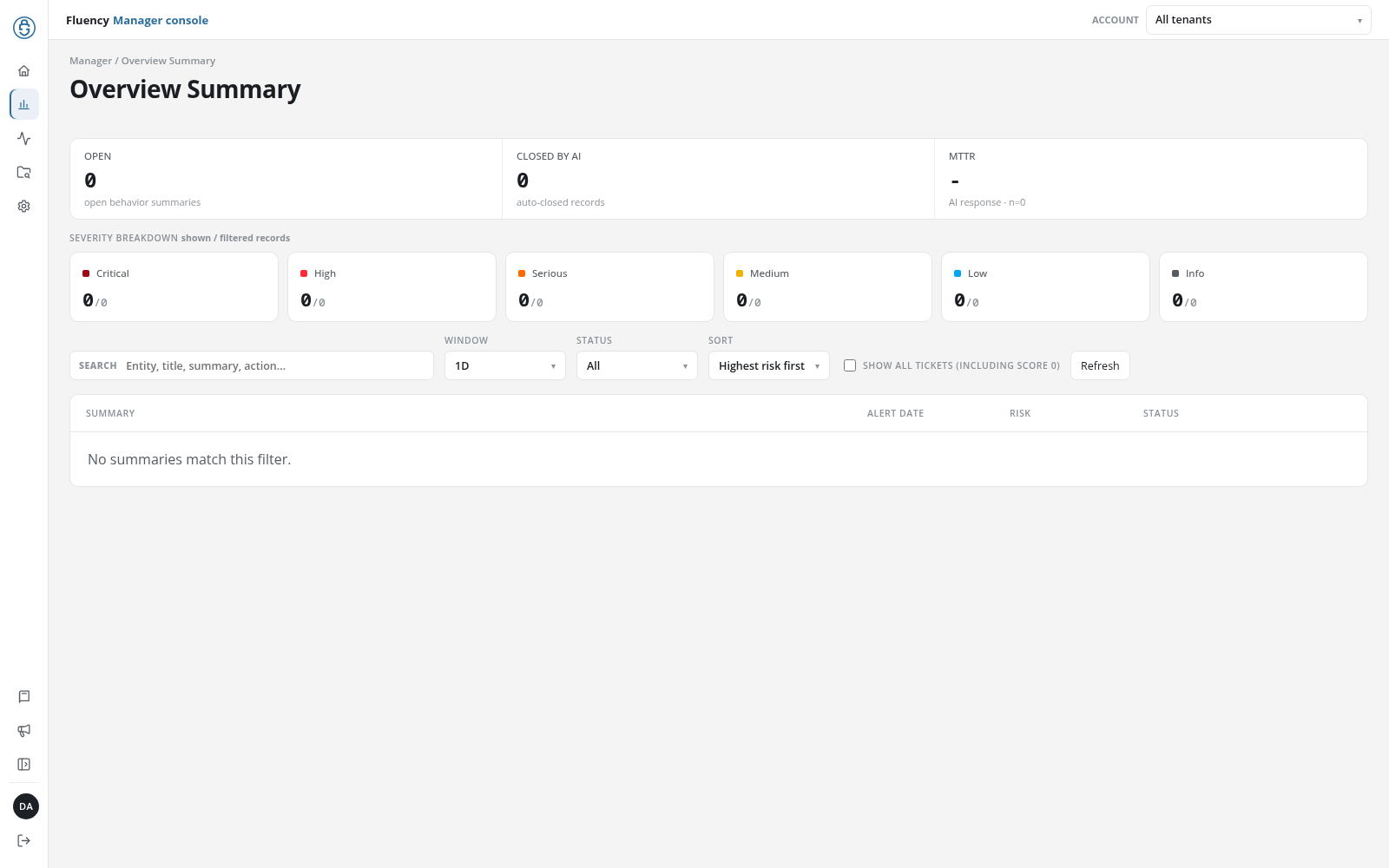
Page Layout
The header shows the breadcrumb Manager / Overview Summary and the title Overview Summary. Below it are the counters, the severity breakdown, the filter bar, and the summary list, as in the workspace, with the same options and defaults.
What Differs From the Workspace Page
- Every managed account: the counters, tiles, and list cover the summaries of all the managed accounts together.
- Account in each row: under SUMMARY, each summary names the account it belongs to, beneath its entity.
- Search: besides the entity, title, summary, and required action, the search field matches the account's name.
- Opening a summary: click a summary to open it on Behavior Summary in its account's workspace, for that entity and day.