Cases Search
The Manager console's Cases Search is the workspace Cases Search over every managed account at once: the same search bar, time ranges, filters, and configurable results table, with an Account filter and column added.
Menu path: Manager console → Cases Search · URL path: /v2/manager/cases-search
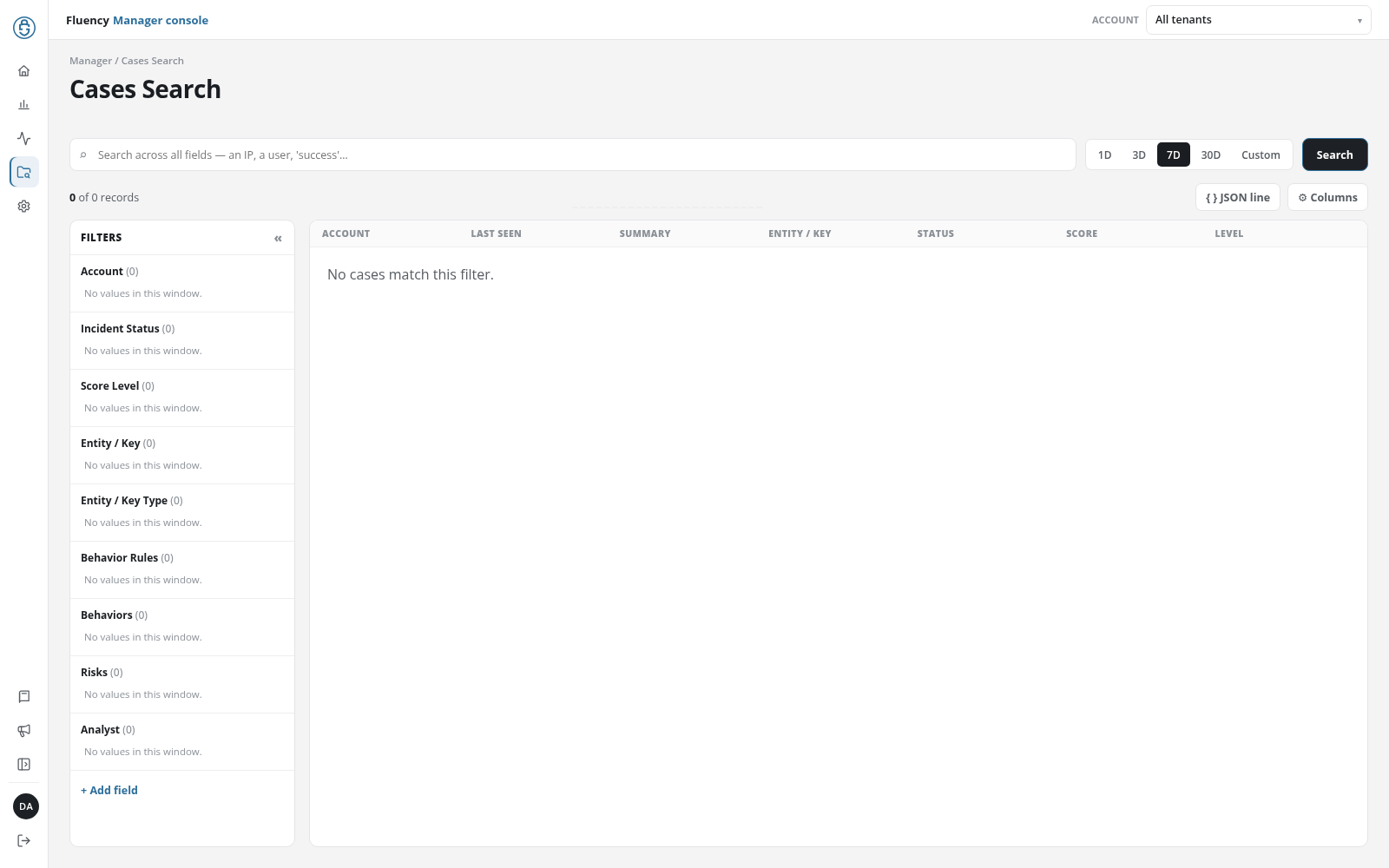
Page Layout
The header shows the breadcrumb Manager / Cases Search and the title Cases Search. Below it are the search bar, the result bar with JSON line and ⚙ Columns, the Filters panel, and the results table, as in the workspace. The page opens on 7D.
What Differs From the Workspace Page
- Every managed account: the search covers the cases of all the managed accounts together.
- Account filter: the Filters panel starts with an Account group, which narrows the results to one or more accounts like any other facet group.
- Account column: Account is the first column of the results table, shown by default and listed first under ⚙ Columns; the other columns and their defaults are those of the workspace page.
- Opening a case: click a case to open it on Behavior Summary in its account's workspace.
- No cases index: when none of the managed accounts has a cases index yet, the page reads No cases index is available for these accounts.