Profile
The Manager console's Profile page is the signed-in manager's own account, opened from the avatar near the bottom of the console's rail. It is the workspace Profile page inside the console.
Menu path: Manager console → account avatar (near the bottom of the rail) · URL path: /v2/manager/profile
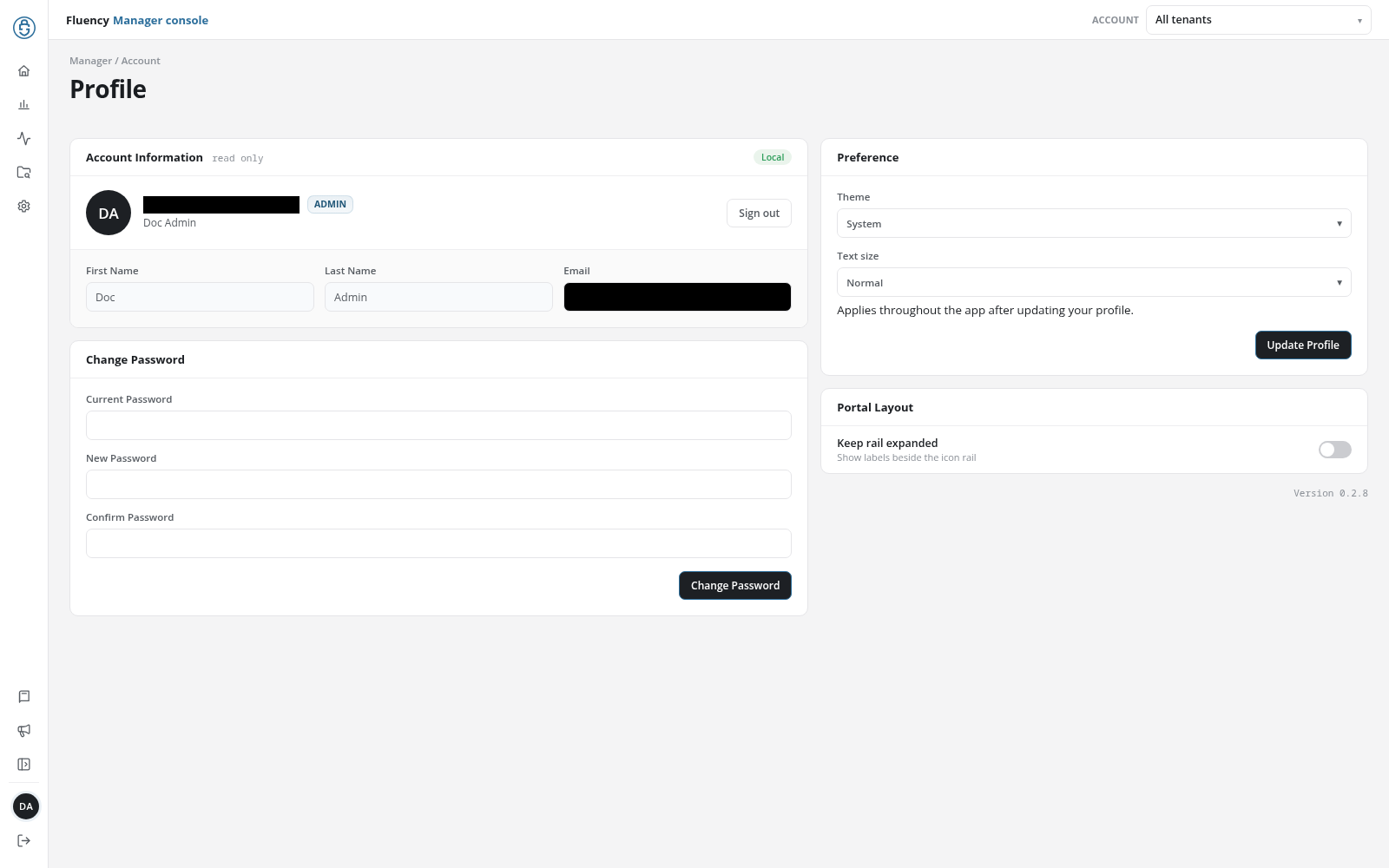
Page Layout
The header shows the breadcrumb Manager / Account and the title Profile, with no subtitle. Below it are the panels of the workspace page, Account Information, Change Password, Preference, and Portal Layout, and the interface version beneath them; they work as described there.