Administration
The Administration page is the hub of the Manager console's administration pages. They manage the provider site itself: the clusters it runs, the people and tokens that sign in to it, and the roles and policies behind them, including the site policies that decide which managed accounts each person and token may reach. A managed account's own users, tokens, and roles are managed in that account's Tenant admin console (see The Workspace as a Manager).
Menu path: Manager console → Administration · URL path: /v2/manager/configuration
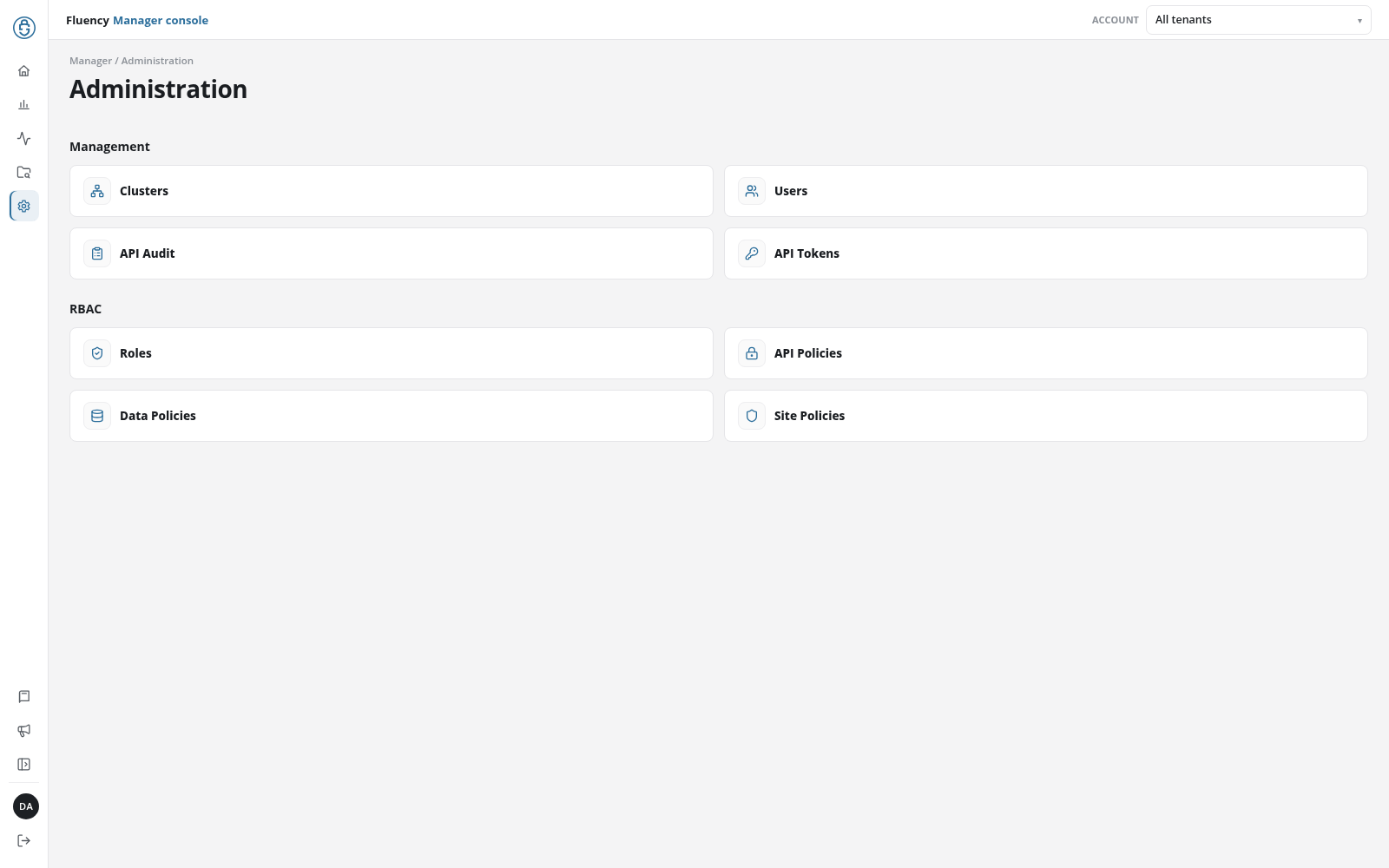
Page Layout
The header shows the breadcrumb Manager / Administration and the title Administration. Below it, the pages are cards in two groups; click a card to open its page.
| Group | Cards |
|---|---|
| Management | Clusters, Users, API Audit, API Tokens |
| RBAC | Roles, API Policies, Data Policies, Site Policies |
Each page opened from a card shows an Administration link above its breadcrumb, which returns here. The Administration item in the console's rail stays highlighted on all of them.