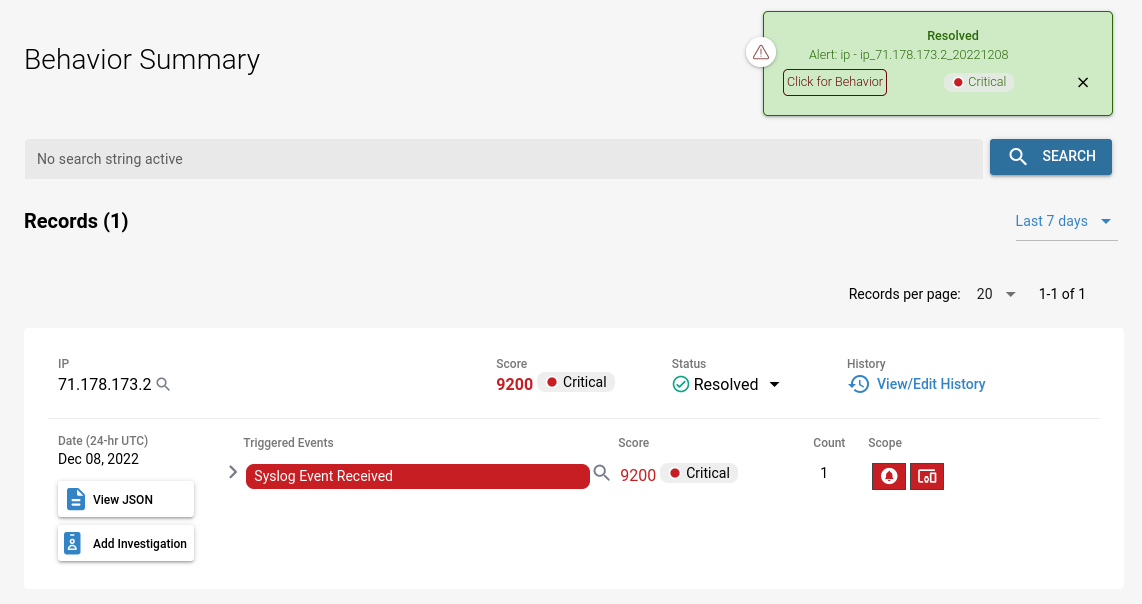
Demo Incident
Apart from the Behavior Rules list, the screenshots below show the legacy interface. In the current interface, Behavior Rules and Behavior Summary are under the SIEM menu and Search is under the Data Lake menu — see Page Functionality.
Fluency EventWatch Rule
An EventWatch (behavior) rule is defined in Fluency.
Sign in to your Fluency portal at https://<companyname>.app.ingext.io — see Fluency Web Interface for the URL formats.
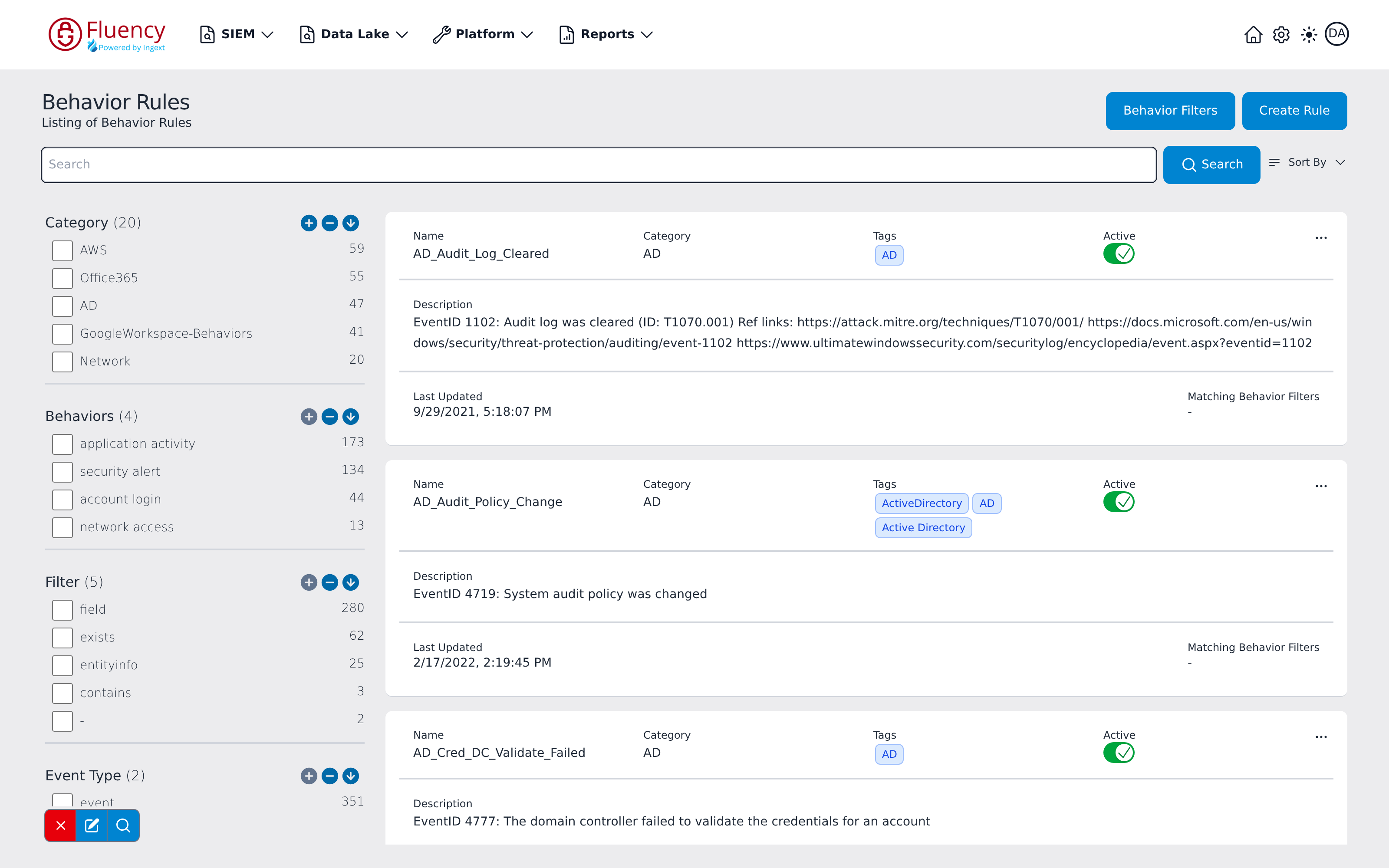
Choose the Behavior Rules option under the SIEM menu in the navigation bar.
Behavior rules are shown as below:
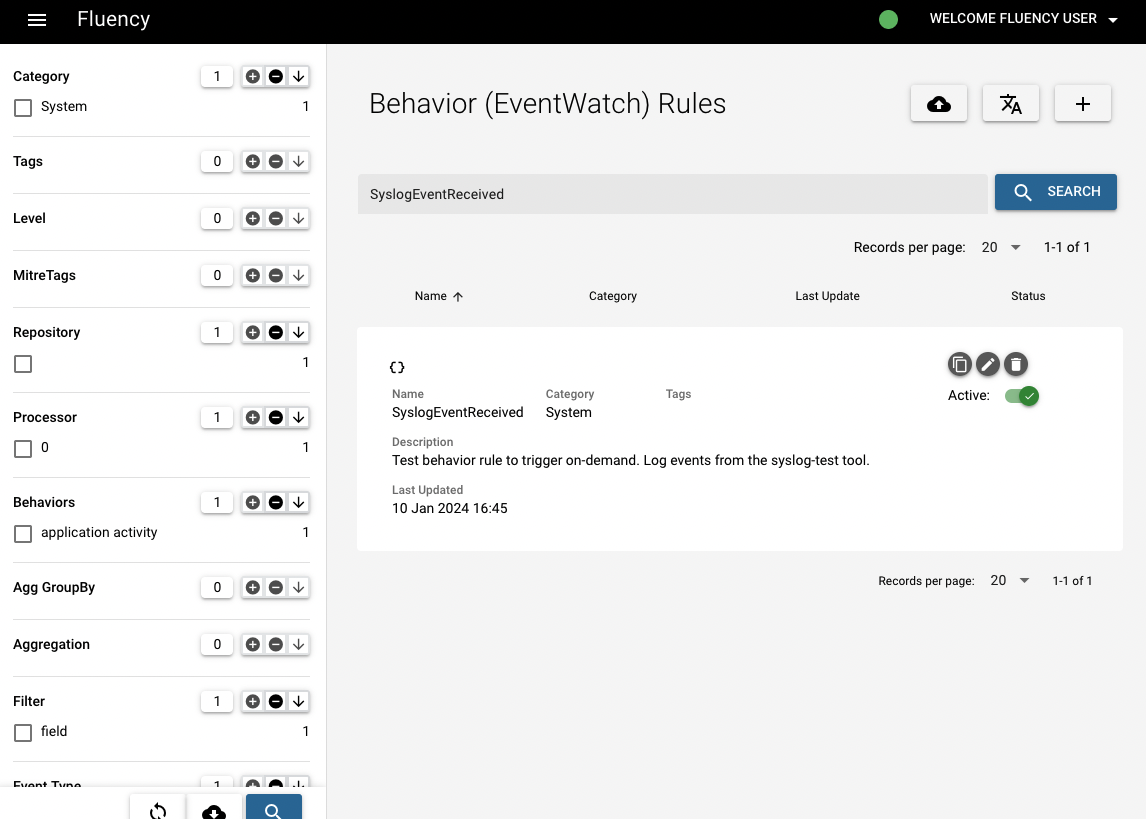
For example, type "SyslogEventReceived" in the search bar and then you can see the result:
Syslog Test Event
A test event is injected into the system.
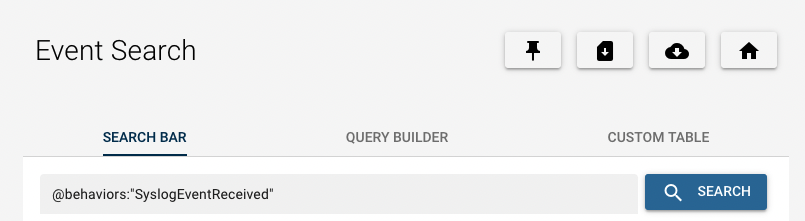
Choose the Search option under the Data Lake menu in the navigation bar.
Type "@Behaviors:"SyslogEventReceived"" in the search bar hen you can see the corresponding test event as below:
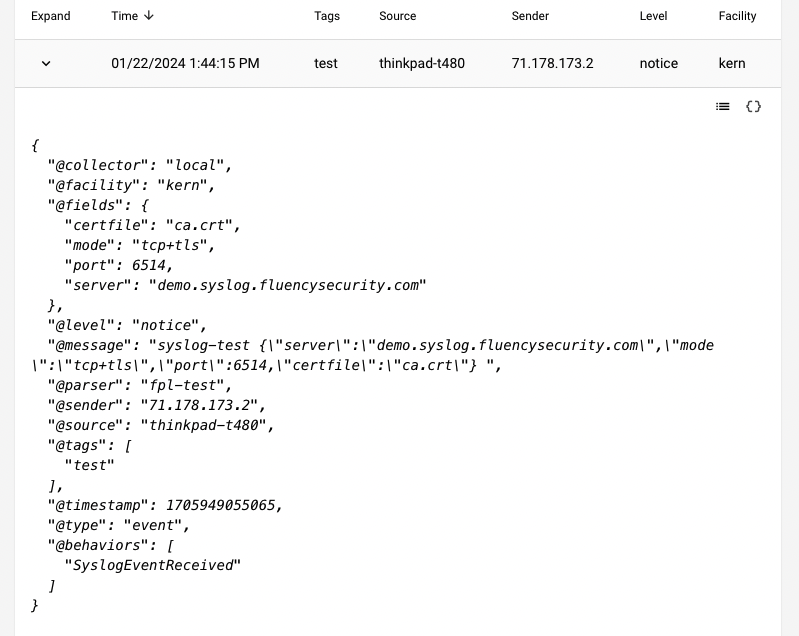
Behavior Alert
Fluency
A New alert is generated in Fluency for the above event.
Choose the Behavior Summary option under the SIEM menu in the navigation bar.
In the search bar on the left, type in "SyslogEventReceived" and the behavior alert is shown.

PagerDuty
An corresponding alert is sent to PagerDuty for the same incident.
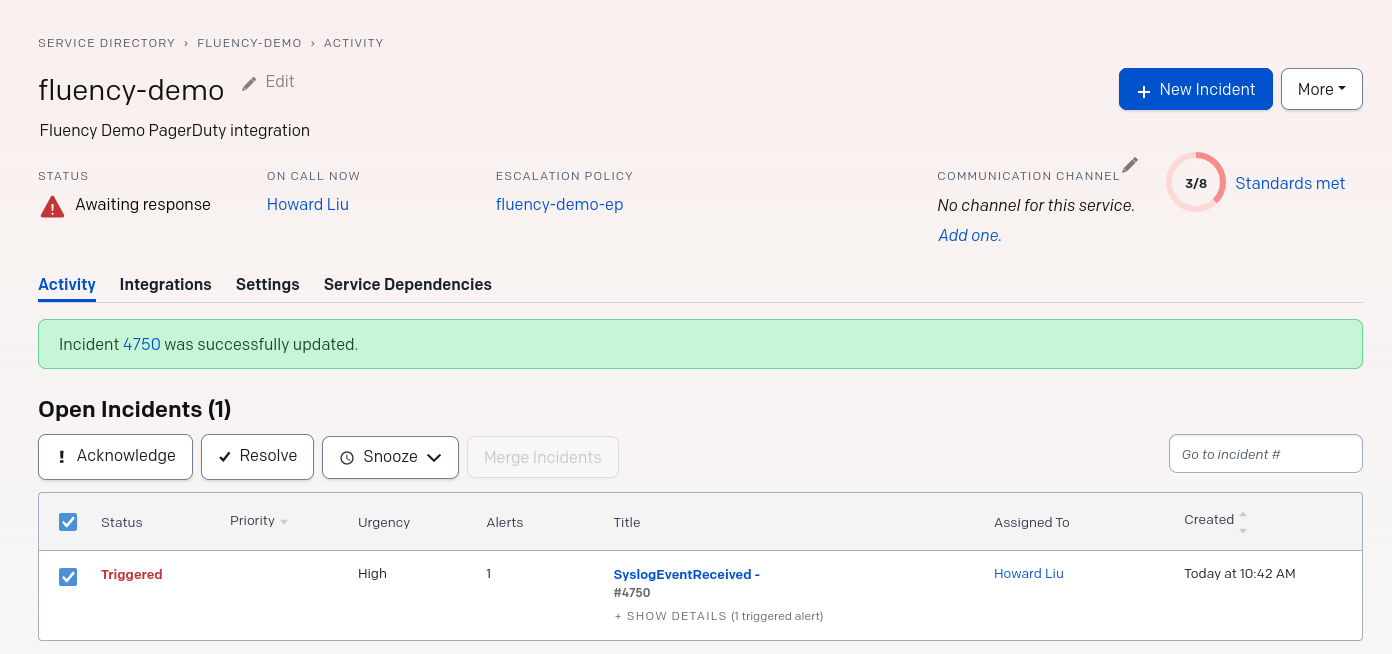
Resolution
Resolving the Alert in PagerDuty provide a real-time update back to Fluency.

The alert now carries the Resolved status.