ServiceNow
ServiceNow has no application template, and is not a data source. It is an outbound integration — Fluency sends tickets to it — configured under System Notification Export on Platform → Integrations, with delivery set up on Platform → Administration → Notifications.
Fluency can export system notifications to ServiceNow, creating incidents from Fluency alerts.
URL and Incident Table from ServiceNow
URL: https://developer.servicenow.com/dev.do#!/reference/api/utah/rest/
Incident table: https://docs.servicenow.com/bundle/washingtondc-servicenow-platform/page/product/csdm-implementation/reference/itsm-incident-use-case.html
Fluency Integration Configuration
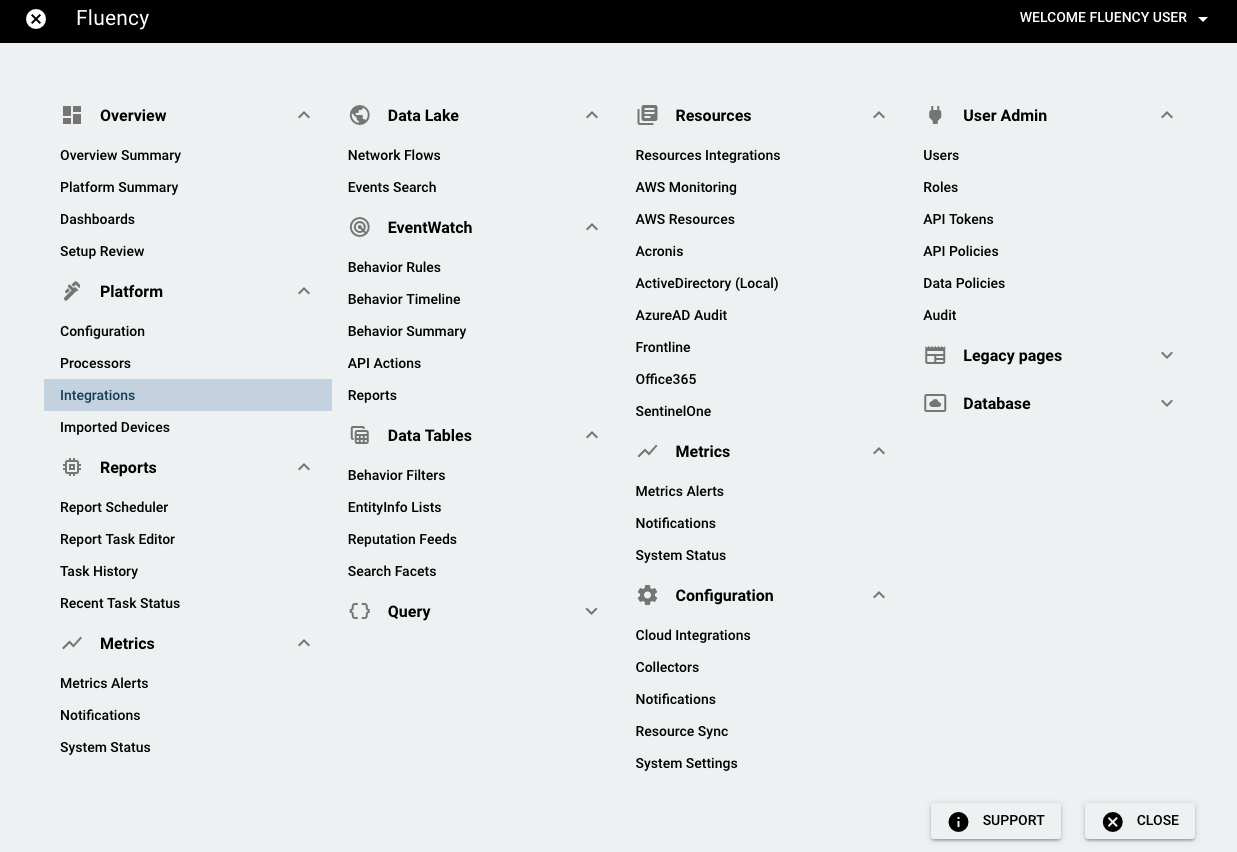
Log into Fluency, and navigate to the Integrations page under the Platform menu in the navigation bar.
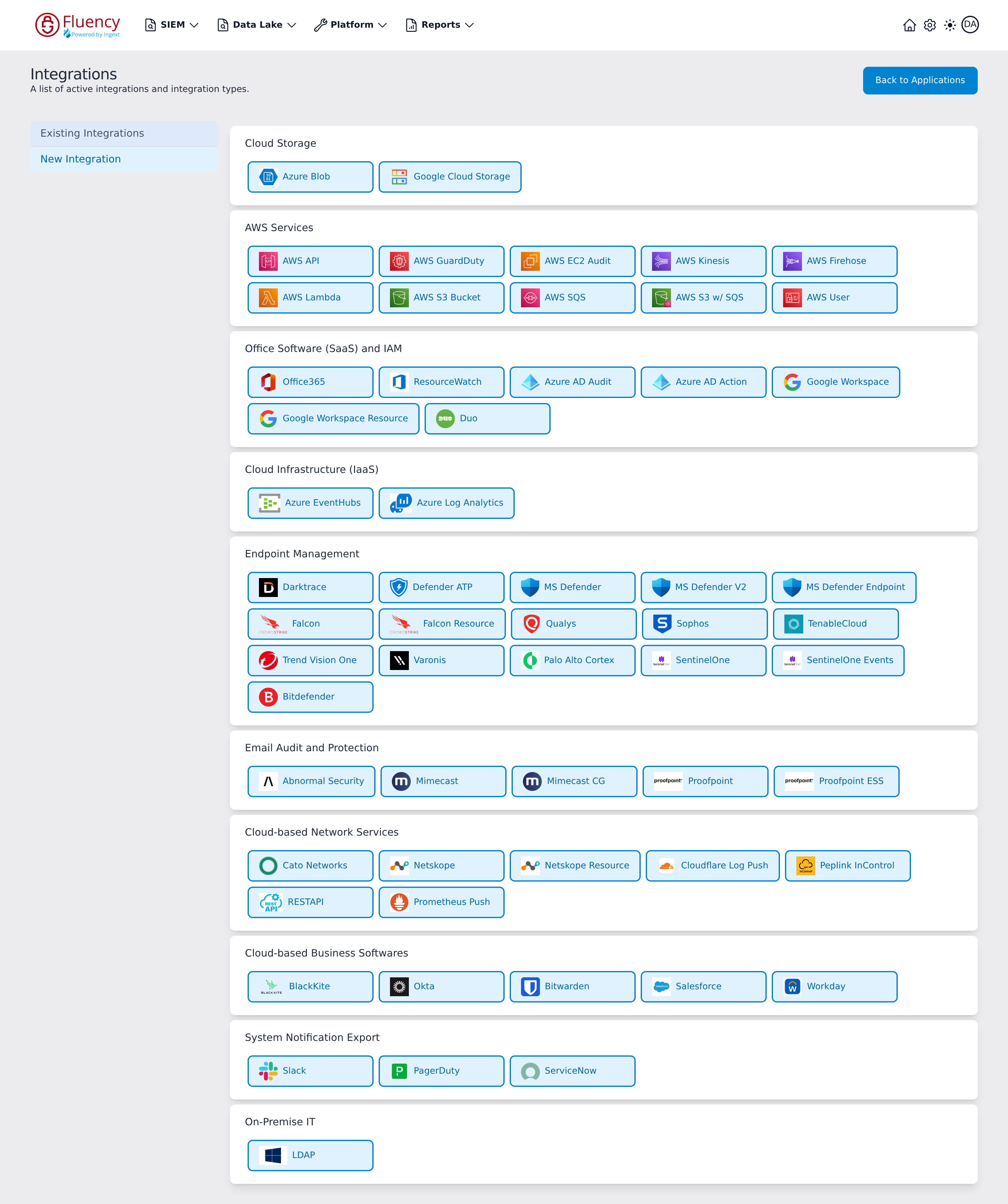
On the Integrations page, go to the New Integration view and click the ServiceNow tile, under System Notification Export.
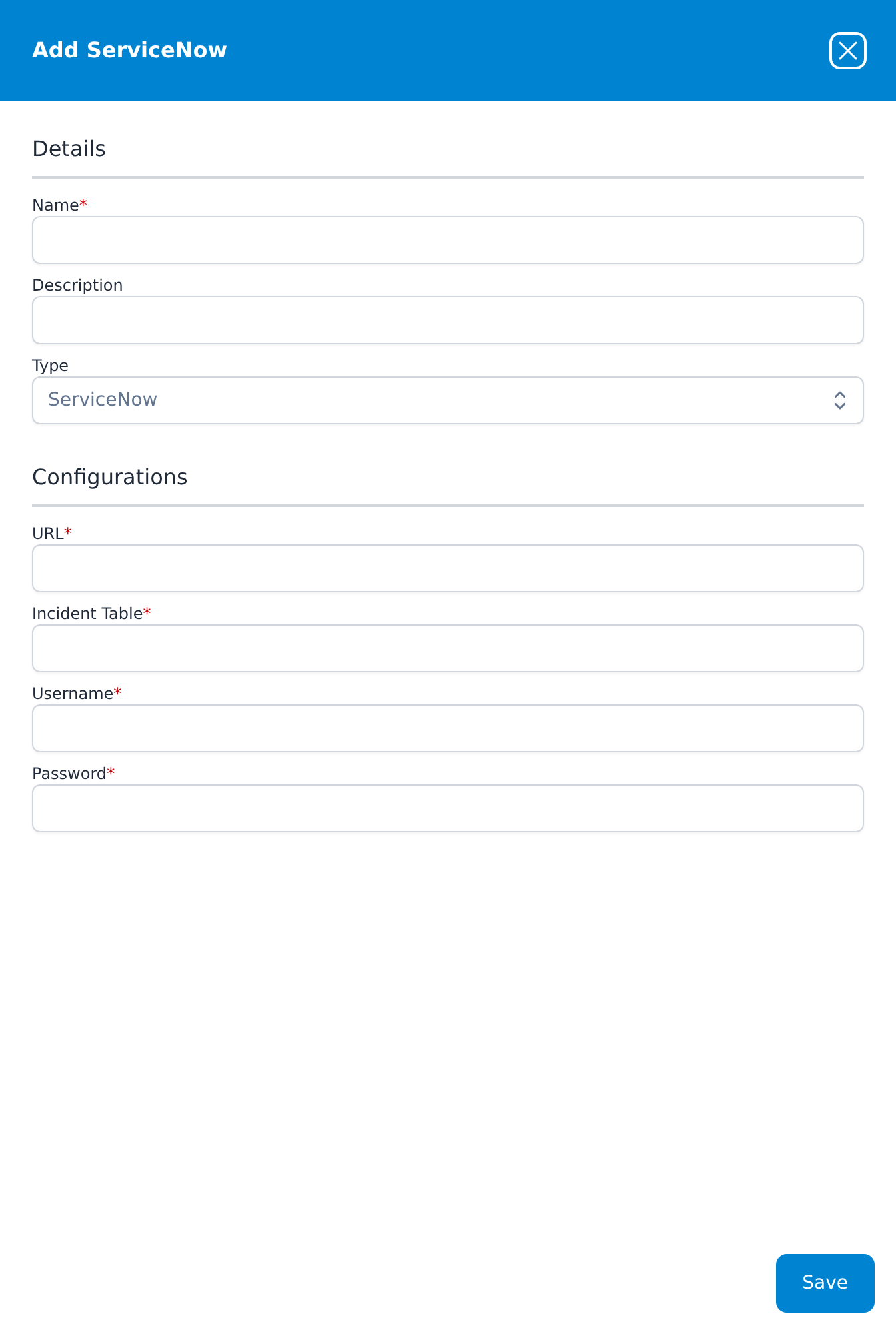
The Add ServiceNow panel opens over the right of the page. Fill in the Name and, optionally, a Description. Then enter the URL of your ServiceNow instance, the Incident Table that tickets are written to, and the Username and Password of the ServiceNow account — all four are required. Click Save to save the configuration.